Factory Reset - Controller
You may find you need to clear your controller settings back to how you received it from us.
To accomplish this, start with the receiver powered off, and follow the steps belowbelow:
| Switch on the receiver. You don't need to have any turntables active at this time. | |
| As soon as you see the boot screen, press and hold the Emergency Stop (red) button on the controller. Keep it pressed down until you get to the next page | 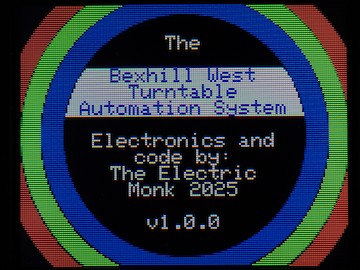 |
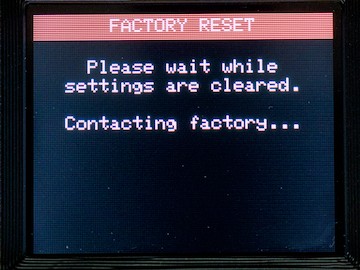
| If you held the button down long enough, you will be presented with the Factory Reset screen | 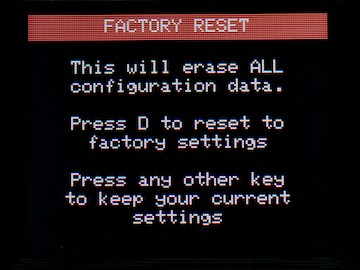 |
|
Release the E-stop key when you see this screen. If you press ANY key other than
To continue the factory reset, press "D", you will see the following screen |
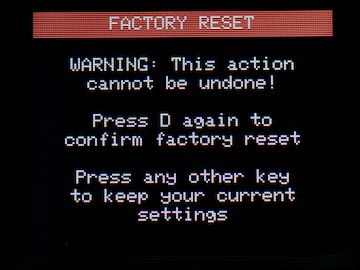 |
|
To definitely factory reset, you need to press the
Again, pressing any key other than "D" will abort the factory reset, reboot the controller, and return to normal operation |
 |
|
After a short pause, the controller will re-boot. All settings, including any knowledge of receivers and your local WiFi settings will be cleared. |