
EMERGENCY! Stop...!
At any time during a turntable move, pressing the red "STOP" button will immediately halt the turntable.
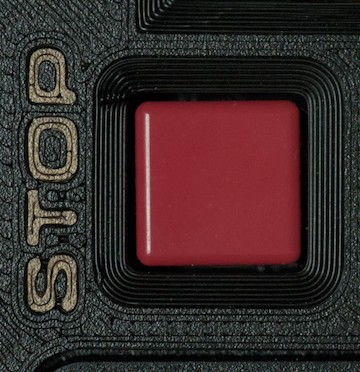
If pressed during the initialisation phase, this will cancel the initialisation and return to the "Initialise/Forget" screen (see this page for the details).
If pressed during normal operation, the turntable simply stops where it is, and the display returns to the normal green arrow with no indicators. After you've cleared the emergency (perhaps a small child fell in the turntable well?), simply type the road number to go to, the direction to go in, and click the ACW or CW button as required.
This button can be handy if you accidentally start a long movement in the wrong direction! Just hit E-stop, re-select the road you wanted, and press the correct direction button!
No Comments