
Quick Actions
As well as the "normal" movements we covered in the previous page, there are two "quick actions", which may be of interest.
Go to next road
Instead of typing the road number, and pressing the direction button; if you simply want to move to the next road, you can "double-click" the appropriate direction button.
For example:
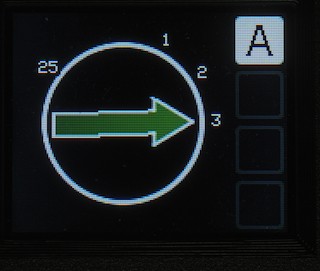
If I now double-click the anti-clockwise button, the controller will select road 2 and initiate an anti-clockwise movement towards it.
The controller remembers whether you had HEAD or TAIL selected for the last move you made - it will move the same end to the next/previous road. The example above assumes the HEAD is at road 3; if the TAIL were at road 25, then pressing ACW would move the TAIL to road 3.
Once the turntable is at road 2, a double-click of ACW will send the turntable to road 1; a double-click of CW will send it back to road 3.
Swap ends
If you simply want to rotate 180 degrees; triple-click either the clockwise or anticlockwise buttons (to choose the direction you wish to go in). The system will automatically swap the HEAD/TAIL that the turntable is currently pointing at, and begin moving in the chosen direction.
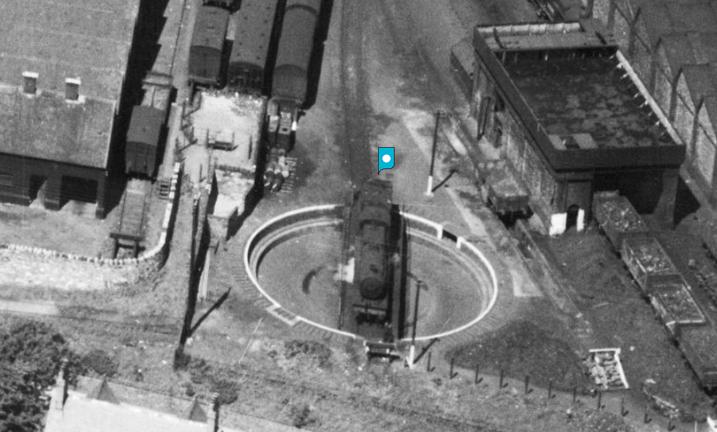
This option works if you only have one road configured - e.g. this turntable at Bangor Station in 1946:
No Comments